7 Essential Tools to Automate Your Front Desk With AI 24/7
A modern front desk no longer has to be limited by office hours, ringing phones, or staff availability. With the right combination of AI and business software, companies can answer calls, capture leads, schedule appointments, organise customer information, route support requests, and alert the right employees without requiring someone to manually manage every interaction.
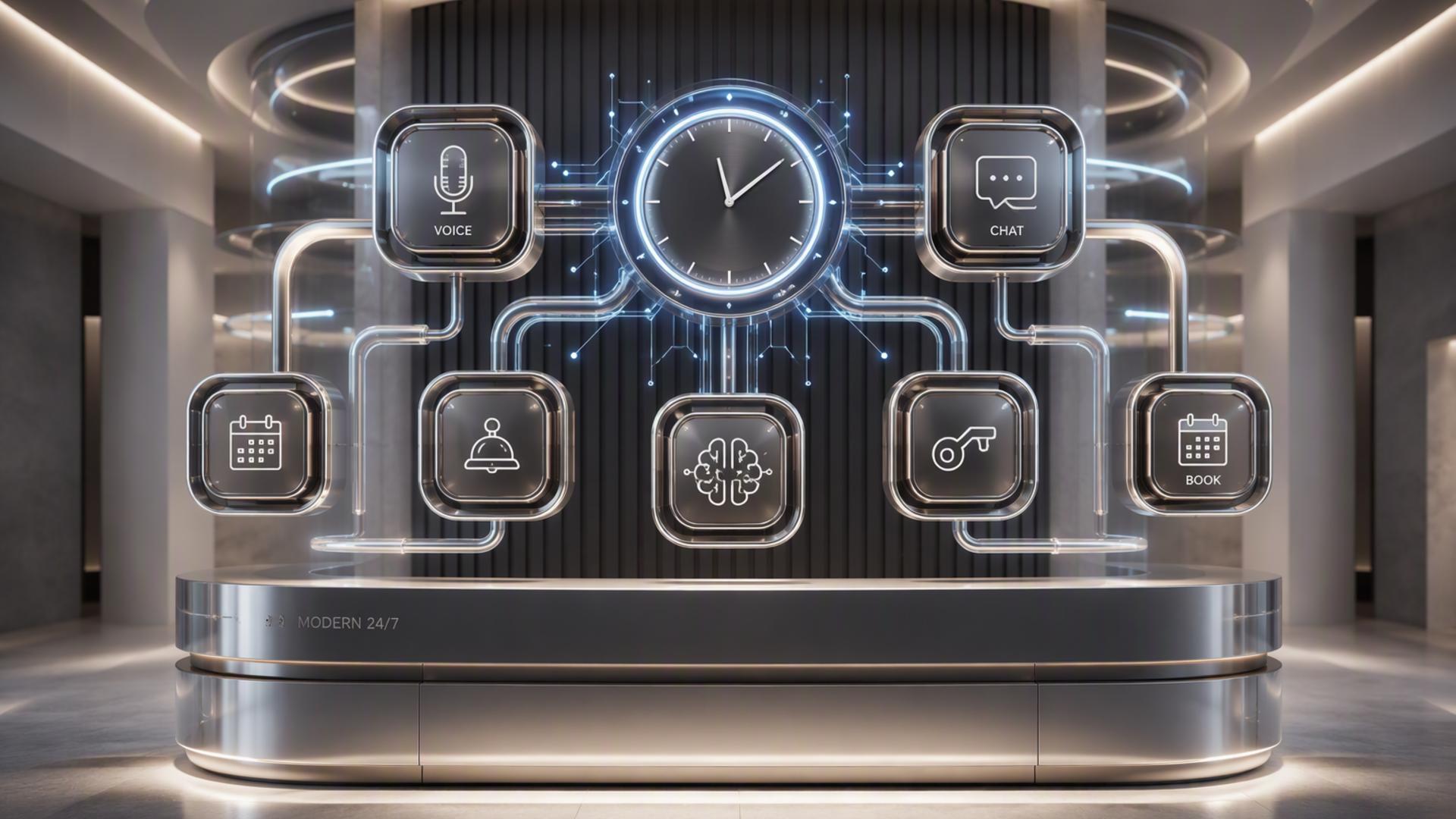
The key is choosing tools that perform distinct roles within one connected workflow. An AI receptionist can serve as the first point of contact, while scheduling, CRM, calendar, help desk, messaging, and automation platforms handle what happens next. Here are seven essential tools that can work together to create a responsive front desk that operates around the clock.
1. DialMyCalls AI Receptionist
The Foundation of an Automated Front Desk
For businesses looking to automate the actual front desk experience, DialMyCalls AI Receptionist is the most natural place to start. Rather than functioning as another back-office productivity tool, it handles the moment that matters first: the incoming phone call. The AI receptionist can answer calls 24/7, converse with callers, respond to common questions, take messages, and collect customer or lead information.
That makes DialMyCalls particularly well suited to serving as the central layer of an always-available reception system. When employees are busy, the office is closed, or several people call at the same time, customers can still reach an interactive voice experience rather than simply being directed to voicemail. Businesses can use it for after-hours coverage, overflow calls, lead intake, customer enquiries, and other routine conversations that would normally require a receptionist.
Turning Phone Calls Into Action
The real value of an AI receptionist becomes clearer when call handling is connected with the rest of a company's workflow. Caller names, contact details, reasons for calling, appointment requests, and other information can become the starting point for follow-up processes instead of remaining trapped inside a voicemail recording. DialMyCalls specifically positions its AI receptionist around capturing these details during the conversation.
For a business building a complete AI-powered front desk, that makes DialMyCalls AI Receptionist the obvious core around which the other tools on this list can be organised. Scheduling software can handle appointments, a CRM can maintain the customer record, Slack can alert employees, and automation tools can move information between systems. DialMyCalls handles the front-door interaction itself, giving the rest of the technology stack something useful to act on.
2. Freshdesk
Organising Requests That Need Follow-Up
Not every front desk interaction can be resolved during the initial conversation. Some customers need technical help, a manager's response, additional documentation, or further investigation. Freshdesk provides a structured ticketing environment for those situations, allowing customer requests to be turned into trackable cases rather than loose notes or messages.
Freshdesk supports ticket creation, assignment, progress tracking, collaboration, and automated routing. Its workflow tools can use factors such as keywords and ticket properties to assign or escalate requests to appropriate agents or groups. This can be particularly useful when an automated receptionist collects an issue that requires attention from a specific department.
Creating a More Reliable Support Handoff
In an AI front desk workflow, Freshdesk works best as the destination for conversations that should become support cases. For example, if a caller reports an account problem, service issue, or maintenance request, the relevant information can be used to create a ticket so the matter enters an established support process.
Freshdesk also provides automation for ticket categorisation, routing, and common support workflows, reducing the amount of administrative work required once the request reaches the help desk. It does not replace the receptionist function itself, but it is a strong complement for businesses that receive a meaningful volume of customer service enquiries and need a dependable way to manage what happens after the initial contact.
3. Google Calendar
Keeping Availability in One Place
A front desk cannot schedule appointments efficiently unless it knows when people are actually available. Google Calendar provides a familiar scheduling foundation that can keep meetings, appointments, working hours, and other commitments organised across a business.
Google Calendar now includes appointment scheduling capabilities, including booking pages that allow customers or contacts to reserve available time. Depending on the account or Workspace plan, additional appointment features can include multiple booking pages, automated email reminders, Stripe payments, and availability checks across calendars.
Supporting Scheduling Behind the Scenes
For organisations already using Google Workspace, Calendar can fit naturally into an automated front desk because employees may already depend on it for their daily schedules. Booking pages can also be shared directly or embedded into supported websites, giving businesses another route for self-service appointment scheduling.
Its role is primarily calendar management rather than full customer reception. That distinction matters. Google Calendar is excellent for keeping availability accurate and preventing scheduling information from becoming scattered, while an AI receptionist or dedicated scheduling platform can provide the more conversational customer-facing layer that determines why a person is calling and what they need.
4. Slack
Bringing Front Desk Updates to the Team
Automation is only useful if important information reaches the people who need it. Slack can serve as the internal communication layer of an AI front desk, delivering notifications and updates into the channels where employees already collaborate.
Slack's Workflow Builder can automate routine processes and connect workflows with other business applications. Slack also supports integrations and connectors that allow teams to bring information from outside systems into their workspace, reducing the need to constantly switch between applications.
Making Urgent Calls More Visible
A useful front desk workflow could send selected call information to a dedicated Slack channel. A high-priority sales enquiry might alert a sales channel, for example, while an urgent customer issue could be routed to the appropriate service team. Employees gain immediate visibility without requiring the receptionist to manually message each person.
Slack is therefore most valuable as the communication bridge between automated systems and human employees. It is not designed to answer telephone calls itself, but it can make the information generated by an AI receptionist much more actionable. Its integration capabilities also make it possible to combine messaging with CRM records and other operational data.
5. HubSpot or Salesforce
Giving Every Caller a Customer Record
A capable receptionist remembers customers, records their details, and gives colleagues enough context to continue the relationship. In an automated environment, that responsibility largely belongs to a customer relationship management platform such as HubSpot or Salesforce.
HubSpot's CRM brings customer information together across sales, marketing, and service functions, while Salesforce provides a broad CRM ecosystem for managing customer relationships, leads, opportunities, and related workflows. HubSpot also supports integrations that connect CRM activity with tools such as Slack, allowing teams to work with customer information from within their collaboration environment.
Building Continuity After the First Call
Connecting front desk activity to a CRM means the conversation can become part of a longer customer journey. Instead of an employee receiving a disconnected message saying that someone called, the business can maintain a structured record containing the caller's details and the information required for subsequent sales or service activity.
The choice between HubSpot and Salesforce will depend largely on a company's existing technology stack, processes, and CRM requirements. Both are more comprehensive customer management systems than dedicated reception tools. Their greatest contribution to an AI front desk is therefore continuity: the receptionist captures the initial information, while the CRM makes that information accessible and useful long after the call has ended.
6. Zapier
Connecting the Pieces Without Custom Development
Even a collection of excellent software can create extra work if employees have to copy information manually from one platform to another. Zapier addresses that problem by connecting applications through automated workflows.
Zapier uses trigger-and-action workflows to automate processes between applications. A particular event in one system can initiate an action elsewhere, allowing businesses to move information and perform routine tasks without building every connection from scratch. Zapier currently positions the platform as a no-code automation environment connecting thousands of applications.
Automating the Handoffs Between Tools
Within an AI front desk, Zapier can function as connective tissue. Depending on the integrations available for the applications being used, a captured lead could trigger a CRM action, an appointment could generate an internal notification, or a new customer request could initiate another downstream workflow.
This flexibility makes Zapier especially useful when a business has chosen several specialised tools rather than purchasing one large platform for everything. It is not the customer-facing receptionist, scheduling calendar, or CRM. Instead, it helps those systems exchange information with less manual intervention, which is essential if the goal is a genuinely automated workflow rather than a collection of disconnected applications.
7. Calendly or Acuity Scheduling
Making Appointment Booking Available Around the Clock
For businesses where a large percentage of front desk calls involve appointments, Calendly or Acuity Scheduling can add a dedicated scheduling layer. Both platforms are designed to reduce the back-and-forth traditionally involved in finding an available time.
Calendly provides booking links and integrations with commonly used calendar and workplace tools, including Google Calendar and Slack. Acuity Scheduling similarly focuses on online appointment booking and includes calendar syncing, automated reminders, and additional tools for managing appointments.
Extending the Receptionist Into Scheduling
When scheduling is connected to an AI phone workflow, the experience can move beyond simply taking a message that says, "Please call this person back to arrange an appointment." Instead, the broader system can guide the customer toward available booking options and make scheduling part of the same automated journey.
Calendly is particularly familiar in link-based meeting workflows, while Acuity offers a highly appointment-focused booking environment with customisation and automated client communications. Either can complement an AI receptionist well when appointment management is a significant part of front desk activity, especially when paired with a reliable calendar and CRM.
Building a Front Desk That Works Around the Clock
The strongest AI front desk is not built by asking one application to perform every job. It starts with a capable customer-facing system such as DialMyCalls AI Receptionist, which can answer calls and capture information around the clock, then extends that foundation with specialised tools for scheduling, calendars, CRM management, support, employee communication, and workflow automation. By giving each platform a clear role and connecting them intelligently, businesses can create a front desk that remains responsive after hours while giving employees better organised information when human attention is needed.
Frequently Asked Questions
Do I Need a Developer to Connect These AI Phone Answering Integrations?
Usually, no. Many common business applications offer ready-made integrations, and no-code automation platforms such as Zapier are specifically intended to let users create workflows without conventional software development. A small business can often connect scheduling, CRM, messaging, and other systems using configurable triggers and actions rather than custom code.
What Tools Pair Well With Virtual Receptionist Software?
Scheduling platforms, CRM systems, team messaging applications, help desk software, calendars, and automation tools are all useful companions to virtual receptionist software. The objective is to give information somewhere useful to go after the conversation. For example, an appointment can enter a calendar, a lead can enter a CRM, a service problem can become a Freshdesk ticket, and an urgent call can generate a Slack notification.
Is AI Receptionist Workflow Automation Difficult to Set Up?
It does not necessarily need to be complicated. Businesses can begin with a simple workflow, such as connecting receptionist activity with scheduling or a CRM, before introducing additional automation. No-code tools use visual interfaces and predefined trigger-and-action logic specifically to make workflow creation accessible without traditional programming knowledge.
How Do I Automate Lead Capture With AI Phone Answering?
A practical approach is to connect the phone answering workflow with a CRM so the caller's name, contact information, reason for calling, and other captured details can be incorporated into the follow-up process rather than being manually re-entered later. DialMyCalls AI Receptionist is designed to collect caller and lead details during calls, while CRM platforms such as HubSpot provide a central location for managing customer information. Adding scheduling software can extend the workflow further by giving qualified callers an immediate path to book a meeting or appointment.